InvCount: Count Your Craft Fair Inventory Without Losing Your Place
Why Inventory Counting Matters at Markets
Most craft fair vendors wing it on inventory. They haul everything in, sell what they can, and recount what's left at the end of the day to figure out what sold. The problem: manual end-of-day counts are slow, error-prone, and tell you nothing about sell-through rates by product category.
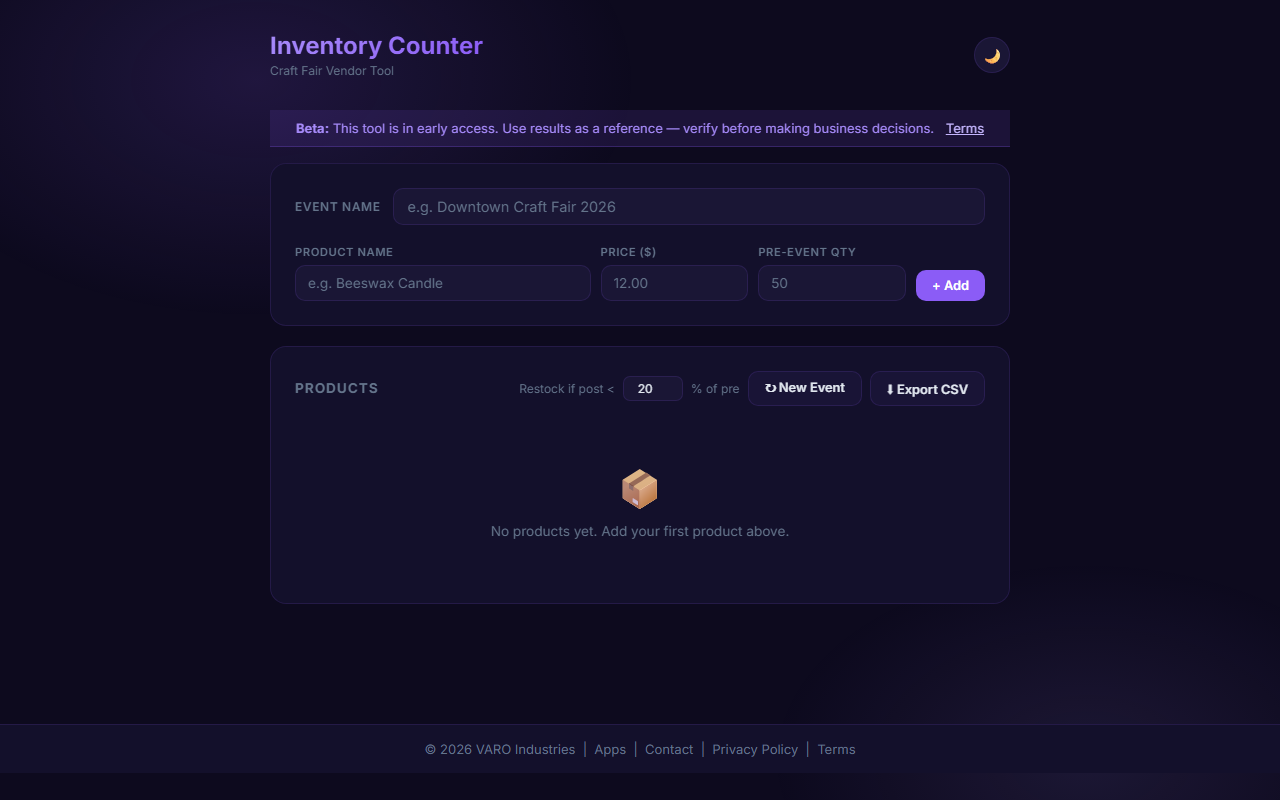
InvCount is a free tap-based inventory counter for vendors. Add your products, set starting quantities, and count down as you sell — in real time, at the booth, on your phone.
How Tap-to-Count Works
The interface is intentionally minimal. Each product gets a row with a name, a current count, and plus/minus buttons. When you hand a candle to a customer, you tap minus. When you pull a restock box from under the table, you tap plus. At the end of the event, InvCount shows you exactly how many of each item you sold.
No spreadsheet app, no pencil and paper, no trying to remember numbers while chatting with shoppers.
Track Multiple Variants
If you sell the same item in multiple colors, scents, sizes, or styles, each variant gets its own row. Selling 12 oz and 16 oz candles? Track them separately and see at the end of the day which size moved faster. This kind of data is invaluable for production planning before your next event.
Export Totals After the Event
When the fair closes and you've loaded the car, export your counts. Use the export to update your Etsy shop inventory, your production spreadsheet, or just to keep a running record of what each event produced. Over several events you'll start to see clear patterns — which items are consistently strong sellers and which ones you might retire from your lineup.
Know What to Bring Next Time
Over-packing inventory means more weight to haul and more to haul back. Under-packing means missed sales. InvCount's export history helps you calibrate. If your lavender soap consistently sells out by noon and your lemon bar soap always comes home full, you know what to make more of before the next market.
Free and Ready to Use
Open invcount.com and set up your product list before your next event. It takes less than five minutes and the data it gives you over a season is worth far more than that time investment. For the full suite of free vendor tools, visit VendorTools.app.
Frequently Asked Questions
Sources & References
- invcount.com
- VendorTools.app
- VendorTools: The Free Toolkit Every Craft Fair Vendor Needs — VARØ Industries Blog
- FairKeep: The Event Tracker Built for Craft Fair Vendors — VARØ Industries Blog
- PackMyBooth: The Craft Fair Packing Checklist That Saves Your Setup — VARØ Industries Blog
- PriceTagGr: Make Professional Price Tags for Your Craft Fair Booth — VARØ Industries Blog
- How to Back-Calculate Sales Tax from a Total (Reverse Sales Tax) — VARØ Industries Blog