MakeChange: Never Count Back Change Wrong at a Craft Fair Again
The Problem With Counting Change Under Pressure
You've got a line of customers, someone hands you a $50 bill for a $17 item, and your brain momentarily goes blank. It happens to every vendor. Counting change manually while talking to a customer, keeping an eye on your booth, and processing the next transaction is a recipe for math errors — and errors cost you real money.
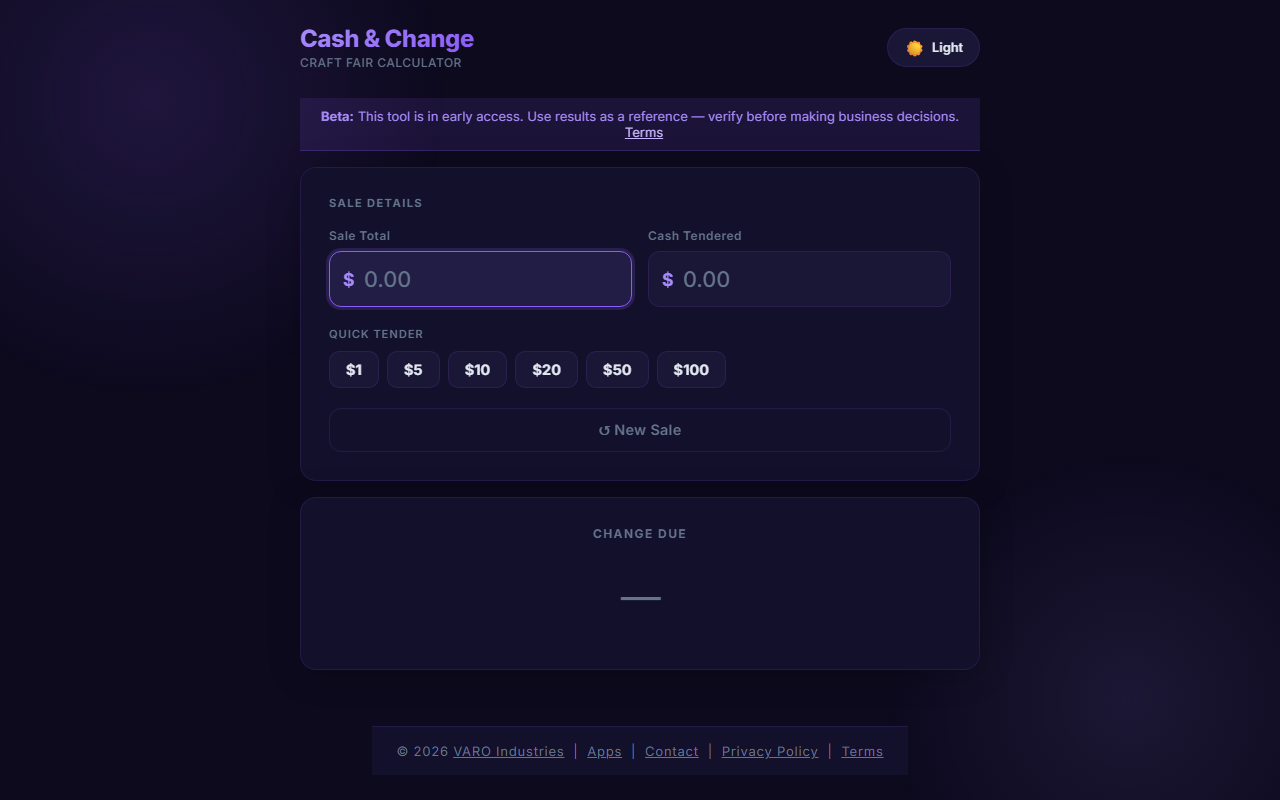
MakeChange is a free browser-based tool that eliminates that moment of panic entirely. Enter the sale total and the amount tendered, and it instantly shows you the exact bills and coins to hand back.
How MakeChange Works
The interface couldn't be simpler. You type in two numbers: what the customer owes and what they handed you. MakeChange does the subtraction and breaks the result down into the fewest possible bills and coins — no guessing, no mental arithmetic.
If a customer pays $60 for a $43.75 item, you'll see exactly: one $10, one $5, one $1, one quarter. That's it. You can read it off in seconds and hand it over confidently.
Why It Matters for Craft Fair Vendors
Many vendors rely solely on Square or Stripe for card payments and keep minimal cash on hand. But at outdoor markets, card readers fail, cell service drops, and plenty of customers still prefer cash. Having a fast, reliable change calculator on your phone means you're never caught off guard when a customer pulls out a $100 bill.
It also helps newer vendors who are still building confidence handling cash quickly at a busy booth.
Works Offline — Even in Dead Zones
Outdoor markets are notorious for poor cell coverage. MakeChange is designed to work fully offline once the page loads. Open it before you leave home, leave the tab open, and it will keep working throughout your event even if you lose signal entirely. No app to download, no account to create.
Part of the Free Vendor Toolkit
MakeChange is one of several free tools built specifically for craft fair and market vendors. If you also need to calculate credit card processing fees, check out FeeCut — or browse the full suite at VendorTools.app.
Get Started in Seconds
No setup required. Open makechange.app on your phone right now, bookmark it, and you're ready for your next event. It's free, fast, and built by vendors who understand what a busy booth looks like.
Frequently Asked Questions
Sources & References
- FeeCut
- VendorTools.app
- makechange.app
- VendorTools: The Free Toolkit Every Craft Fair Vendor Needs — VARØ Industries Blog
- FairKeep: The Event Tracker Built for Craft Fair Vendors — VARØ Industries Blog
- FeeCut: Know Exactly How Much Credit Card Fees Are Eating Into Your Sales — VARØ Industries Blog
- How to Back-Calculate Sales Tax from a Total (Reverse Sales Tax) — VARØ Industries Blog
- PackMyBooth: The Craft Fair Packing Checklist That Saves Your Setup — VARØ Industries Blog