VQRGen: Free QR Code Generator for Craft Fair Vendors
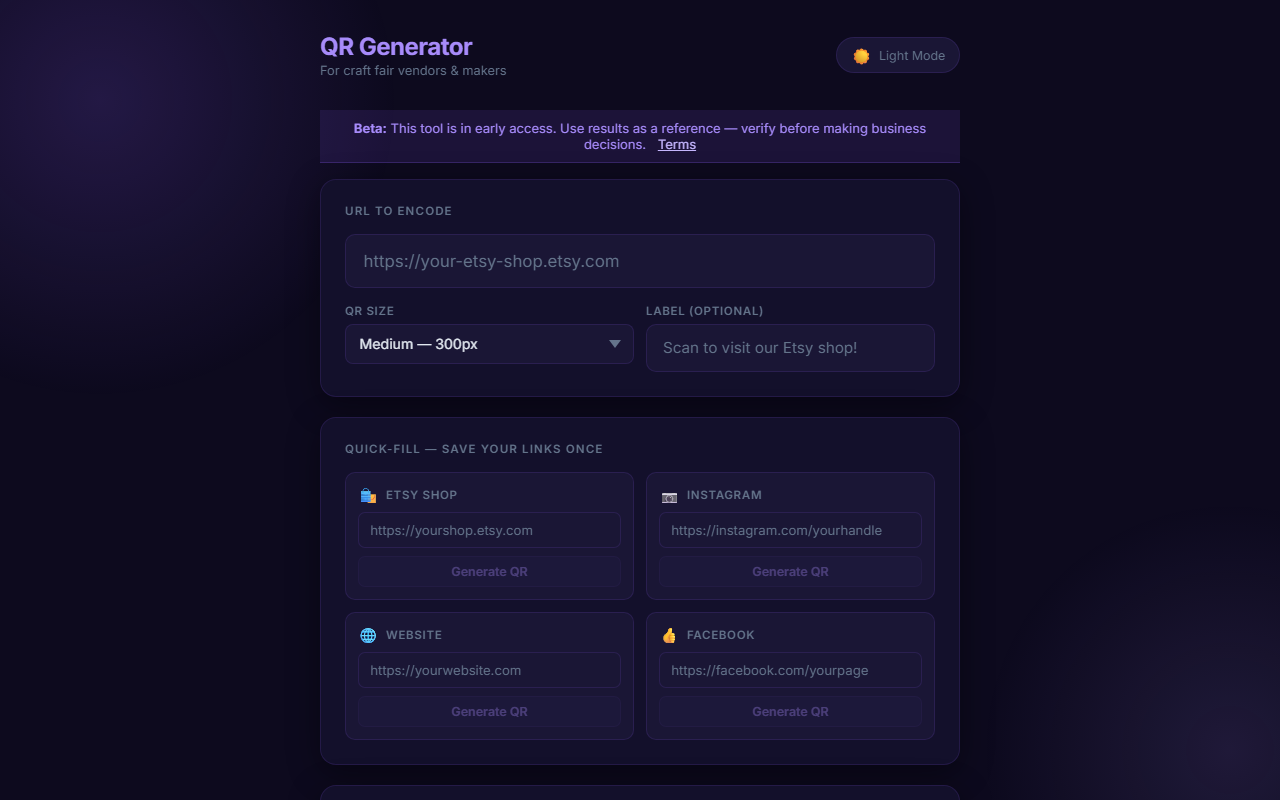
Turn Browsers Into Online Customers After the Fair
A customer visits your craft fair booth, picks up a few items, puts them down, and walks away. You might have lost that sale — or you might have just gained an online customer if you had a QR code pointing to your shop on the table. Many shoppers aren't ready to buy on the spot but would absolutely order later if they had an easy way to find you again.
VQRGen is a free QR code generator that takes any URL and produces a download-ready PNG in seconds. No account, no watermarks, no subscription.
What to Link Your QR Code To
The right URL depends on your goals. Here are the most effective options for craft fair vendors:
- Your Etsy shop — the most direct path to an online purchase
- Your Instagram profile — keeps you connected with window shoppers
- A payment link — Venmo, PayPal.me, or CashApp for quick contactless payment
- A custom order form — great for personalized or made-to-order products
- A newsletter signup — build your list for future event announcements
Consider generating a separate QR code for each purpose and labeling each one clearly on your display.
Download as PNG, Print Anywhere
VQRGen exports at print-quality resolution so your codes scan reliably whether you print them on a small business card or a large table tent sign. Just download the PNG and drop it into whatever you're printing — no extra software required.
Size Matters for Booth Signs
A QR code on a business card works at close range. A QR code on a sign that customers read while standing at your booth should be printed at least 2 inches square, and larger for displays visible from across an aisle. VQRGen's PNG output is high resolution, so scaling up for a sign print won't produce blurry results.
Replace Old QR Codes Without Reprinting
If your Etsy URL or payment link changes, just generate a new QR code and reprint that one sign. Since VQRGen requires no account, there's no dashboard to log into — generate, download, print, done. It takes less than a minute.
One Tool in a Larger Free Toolkit
VQRGen is part of a suite of free tools built for craft fair and market vendors. If you're also looking for inventory counting, fee calculators, packing checklists, and more, visit VendorTools.app. Generate your first QR code now at vqrgen.com.
Frequently Asked Questions
Sources & References
- VendorTools.app
- vqrgen.com
- VendorTools: The Free Toolkit Every Craft Fair Vendor Needs — VARØ Industries Blog
- FairKeep: The Event Tracker Built for Craft Fair Vendors — VARØ Industries Blog
- PriceTagGr: Make Professional Price Tags for Your Craft Fair Booth — VARØ Industries Blog
- EtsyMan: Manage Your Etsy Shop Without Leaving Your Browser — VARØ Industries Blog
- How to Back-Calculate Sales Tax from a Total (Reverse Sales Tax) — VARØ Industries Blog