Screenshots
What's behind the number
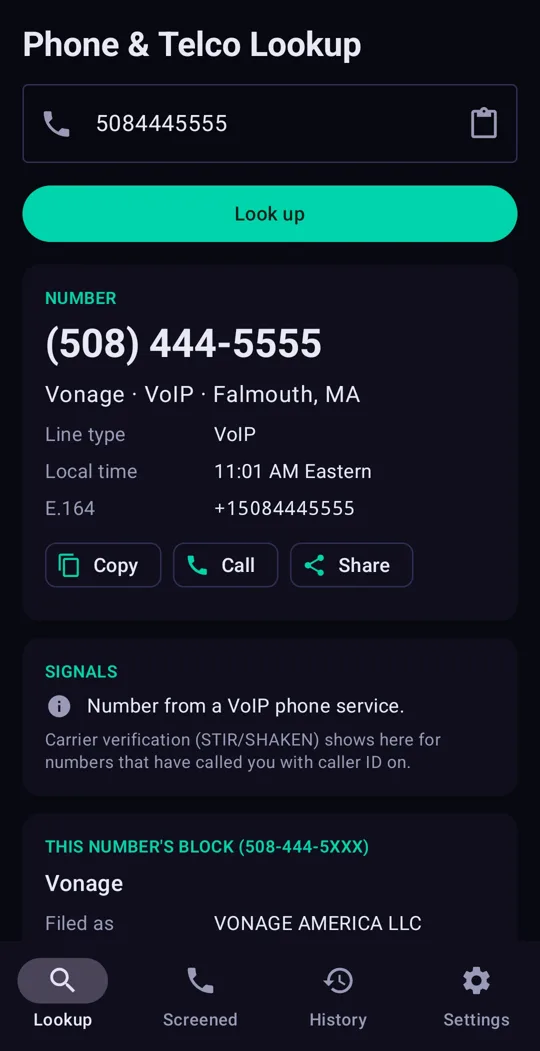
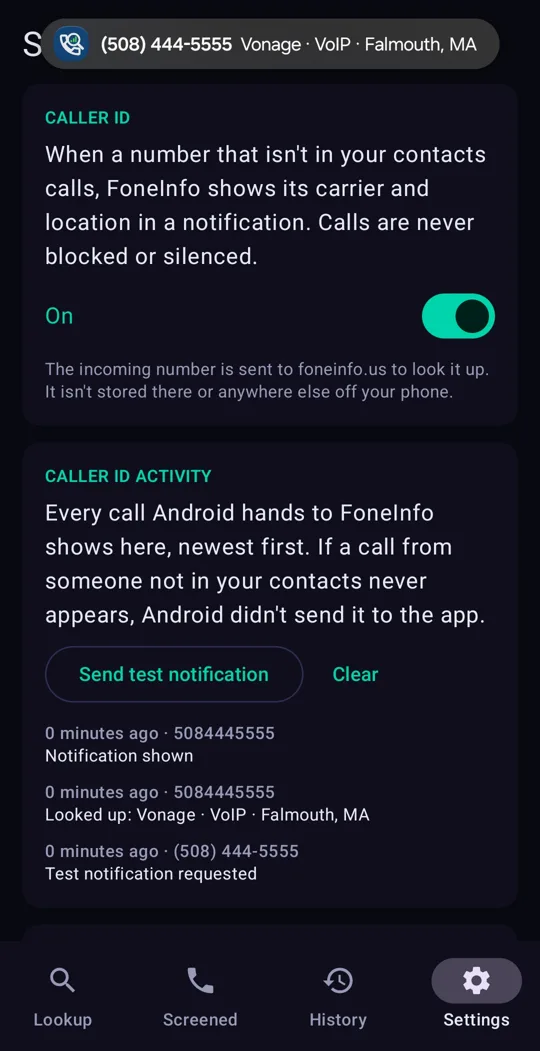
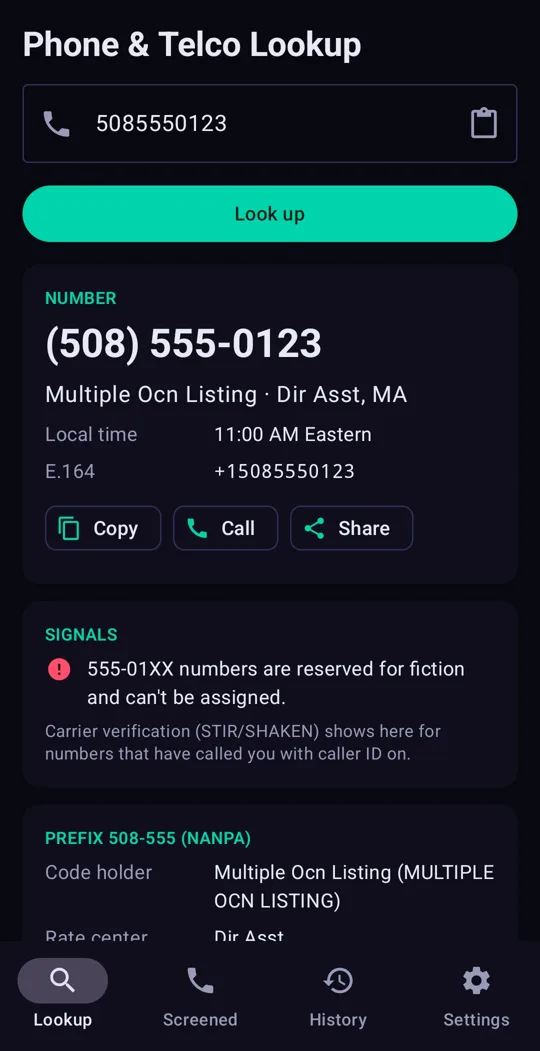
Your phone shows a number. FoneInfo tells you what's behind it — the carrier that really holds it, whether it's mobile, landline or VoIP, and whether the caller ID looks spoofed or has been reported as spam. Right on screen while it rings.
When a number that isn't in your contacts calls, FoneInfo checks it and shows the answer in a notification before you pick up. You can also look up any number yourself.
Numbers are handed out in blocks of a thousand, and one prefix can be split between a dozen carriers. FoneInfo looks up the block the number actually sits in and shows the brand you know — T-Mobile, Verizon, AT&T, Comcast — plus mobile, landline or VoIP.
It shows your carrier's own STIR/SHAKEN verdict where your carrier provides one, and it catches numbers that can't exist: prefixes or blocks no carrier holds, 555-01XX, and calls faking your own area code and prefix.
FoneInfo counts complaints people filed about a number with the FTC's Do Not Call registry over the last 60 days, with the most common topic and how many said it was a robocall.
Type or paste a number, share one from another app, or select it in any text and choose Look up with FoneInfo. You get the switch, LATA, local phone company, when the block was activated, and how far away it is.
Until the Google Play release, the app installs straight from this site.
Free carrier data and Android both have limits. Here's where they fall.
FoneInfo doesn't read your call log, contacts or messages. A number is sent to foneinfo.us only to look it up, and it isn't stored, logged or shared. Your history stays on your phone. Read the full privacy policy, or use the same lookups on the web at foneinfo.us.