For a few weeks the same spam text kept showing up on my phone. Different number every time, same junk every time, always with the letters “TSS” in it. I'd block the number. The next one came from somewhere else. Blocking a number only stops that number, and the people sending these have an endless supply of them.
What I wanted was simple: if a text says this, I don't want to hear about it. Google Messages can block numbers and has its own spam detection, but it has no setting for blocking a text by what it says. So I built one.
Junk Text Filter is a small, free Android app that silences texts by keyword. It works with SMS, MMS and RCS in Google Messages, and nothing it reads ever leaves the phone.
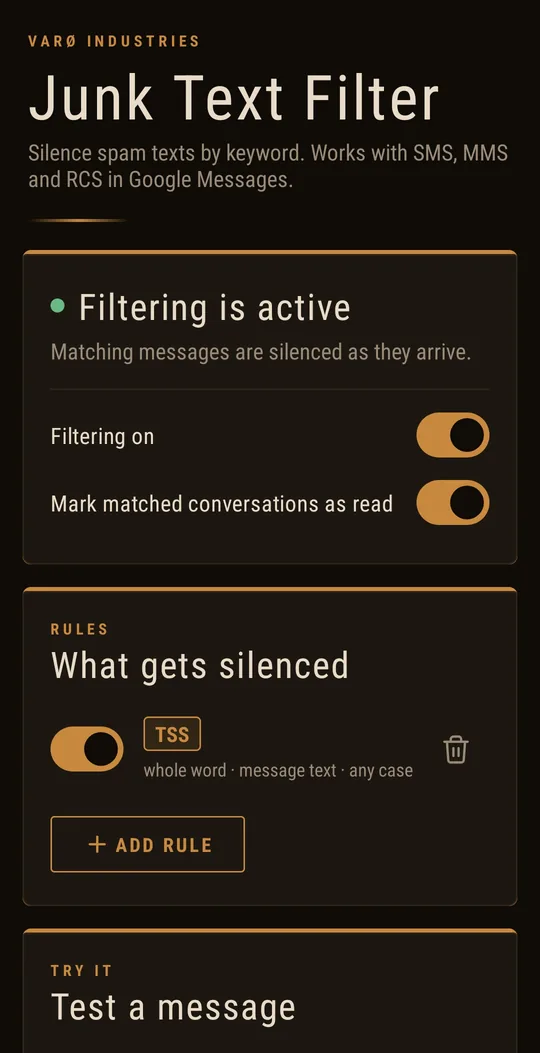
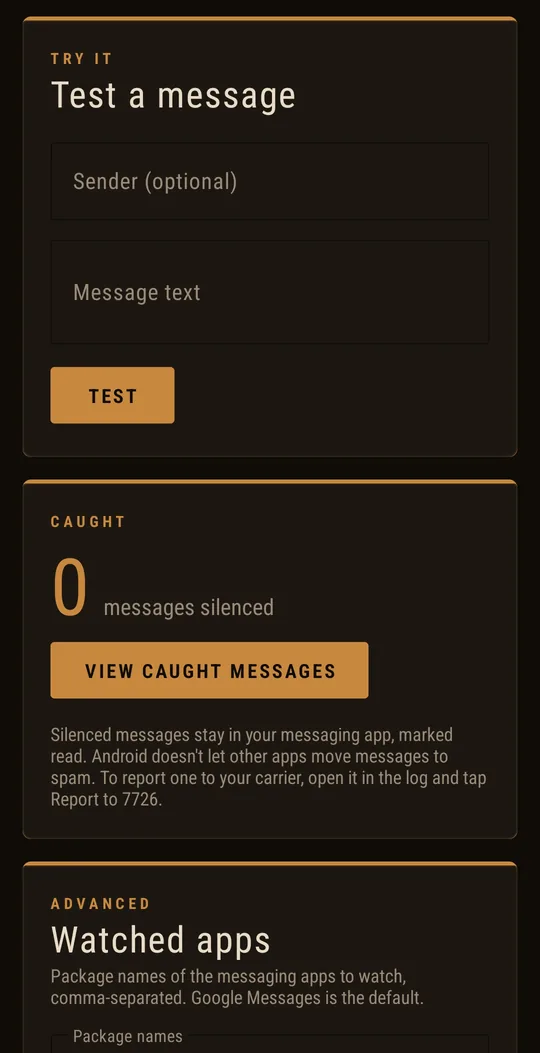
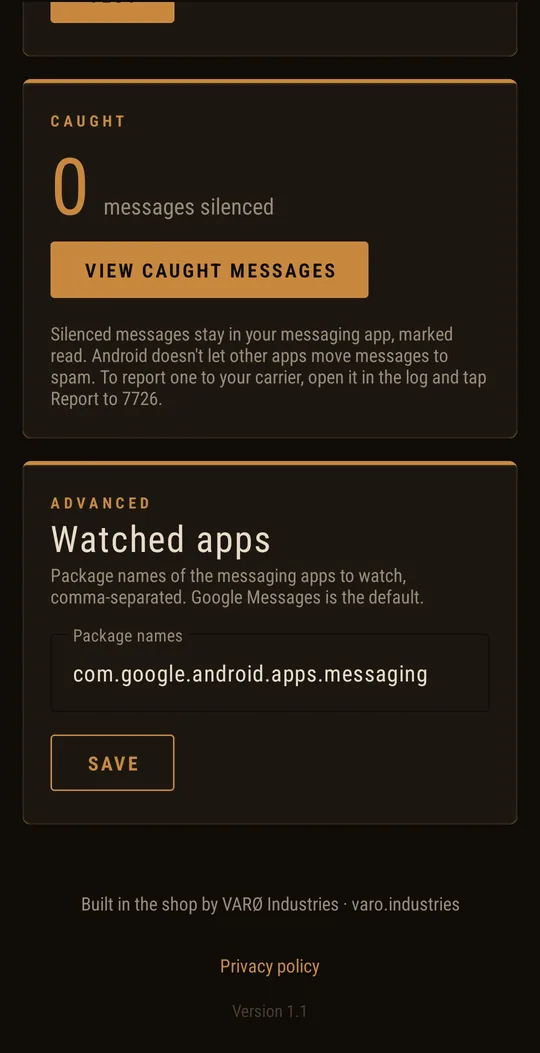
Rules, a built-in tester, and a log of everything it caught.
How It Works
Here's the catch with RCS, the modern chat-style texting in Google Messages: Android doesn't let any other app read those messages. A traditional SMS filter can't see them at all. What Android does allow, with your permission, is reading notifications — and Google Messages posts the same kind of notification whether a text arrived as SMS, MMS or RCS.
So Junk Text Filter watches those notifications. When one comes in, it checks the sender and the text against your rules. If a rule matches, it marks the conversation as read and clears the notification before you're bothered by it, then writes the message to a log so you can see what it caught.
That last one matters. US carriers take spam reports at 7726 — it spells SPAM on a keypad. You forward the text, and the carrier usually replies asking which number sent it. The app fills in the forward for you and copies the sender's number so you can paste it when they ask. Reports are how carriers find and shut down these senders, which does more than any block list.
What It Can't Do
Android draws some firm lines around other people's messaging apps, and I'd rather you know them up front.
- Caught texts stay in Google Messages. No app is allowed to delete messages from another app or move them to its spam folder. Junk Text Filter silences them and marks them read; they're still there if you go looking.
- Your phone might buzz once. Android alerts you the moment a notification arrives, and the app can only clear it a split second later.
- It watches Google Messages by default. If you use a different texting app, you can add its package name in the Advanced section.
Nothing Leaves Your Phone
An app that reads your text notifications should be held to a high bar, so here it is plainly: Junk Text Filter has no internet permission. It physically can't send anything anywhere. There's no account, no analytics and no ads. Your rules and the log live in the app's private storage, and they're excluded from Android backups too. Before it asks for notification access, the app shows you exactly what it reads and why, and waits for you to agree. The full details are in the privacy policy.
Installing from outside a store? Android will probably show “Restricted setting” when you go to turn on notification access. That's normal for sideloaded apps. Open the app's App info screen, tap the ⋮ menu, choose Allow restricted settings, and try again.
Get It
Junk Text Filter runs on Android 9 and newer. You can download it directly from the Junk Text Filter page right now, which also walks through installing it step by step. A Google Play release is on the way, and when it lands, updates will come through the Play Store automatically.
Check out more free tools and apps at varo.industries/apps.
Frequently Asked Questions
Sources & References
- Junk Text Filter — download and install guide
- Junk Text Filter Privacy Policy
- Ask Jerry: How can I filter incoming messages? — Android Central
- NotificationListenerService — Android Developers